
Best Headless CMS for E-Commerce: Comparison Guide (2026)
Choosing the right headless CMS for your eCommerce store is one of the biggest decisions you’ll make. It affects your content workflow, site performance, development speed, and ultimately your bottom line. The wrong choice means wasted…
 Mahmudul Hasan
Choosing the right headless CMS for your eCommerce store is one of the biggest decisions you’ll make. It affects your content workflow, site performance, development speed, and ultimately your bottom line. The wrong choice means wasted months wrestling with tools that don’t fit your stack. The right one sets you up for years.
In this guide, we compare 8 leading headless CMS platforms for eCommerce in 2026 — with real pricing, tech stacks, pros and cons, and a side-by-side comparison table. Whether you’re building a multi-vendor marketplace or a single-brand storefront, you’ll find the data you need to decide.
What to Look for in a Headless CMS for E-Commerce
Before we jump into the list, here’s what matters most:
- Content modeling flexibility — Can you define custom product types, relationships, and fields?
- API quality — REST and GraphQL support, CDN delivery, webhooks for real-time sync
- Developer experience — SDKs, CLI tools, TypeScript support, and composable architecture
- Pricing model — Usage-based, per-seat, self-hosted — which scales with your revenue?
- Multi-channel support — Can content go to web, mobile apps, and marketplaces from one source?
- E-commerce integrations — Native connections to payment gateways, ERPs, CRMs, and shipping providers
8 Best Headless CMS Platforms for E-Commerce
Here’s our pick of the top headless CMS platforms for eCommerce in 2026, covering the full spectrum from enterprise SaaS to open-source self-hosted to complete commerce solutions.
1. Contentful — Best for Enterprise Content Operations
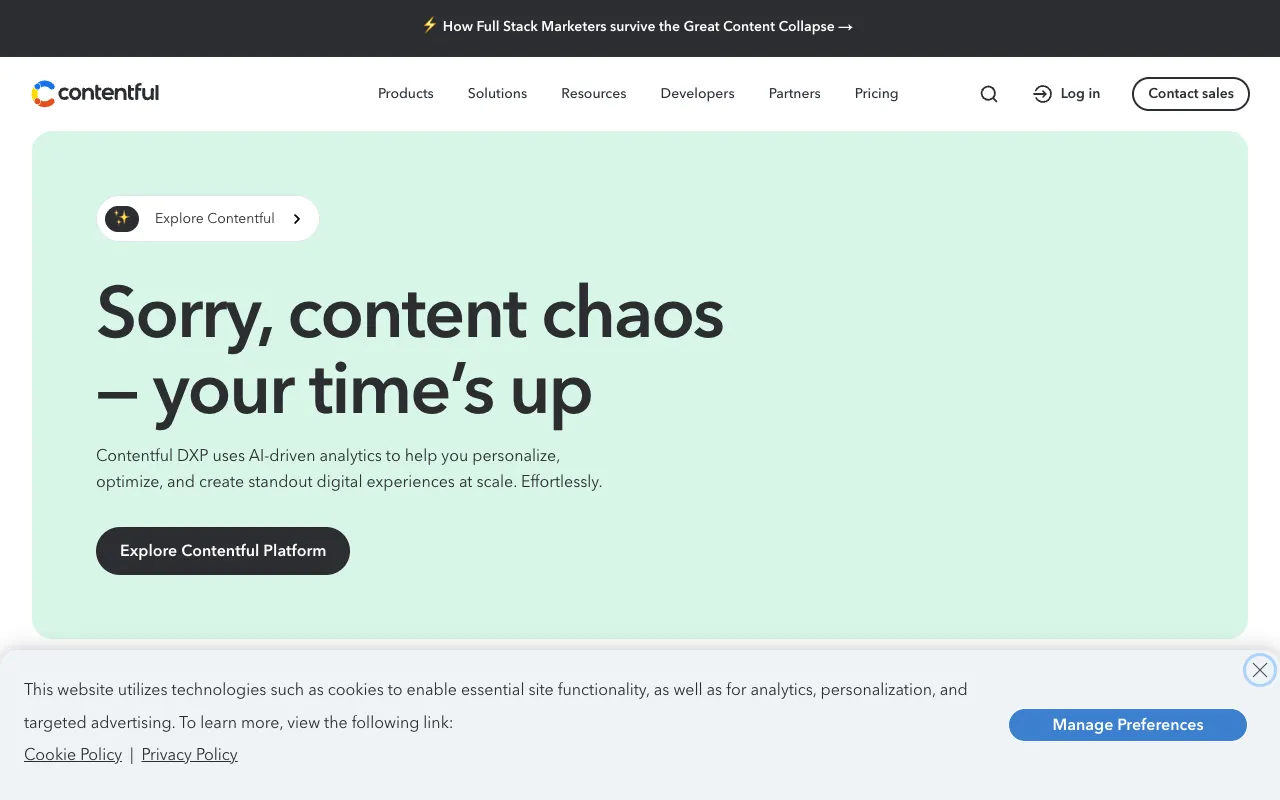
Contentful is probably the most well-known headless CMS out there. It’s built for scale — large teams, complex content models, and global multi-language operations. Developers love its flexible content modeling (custom types, fields, references, and relationships), and the APIs are rock-solid.
For eCommerce, Contentful shines when you need to manage product-related content alongside blogs, landing pages, lookbooks, and campaigns — all from the same CMS. Big retail brands use it for exactly this reason.
The catch? Pricing. Contentful uses a usage-based model with limits on entries, API calls, and bandwidth. The free tier is generous for small projects, but costs can escalate fast as you scale — Team plan starts at $300/mo, and Enterprise is custom (often $1,000+).
| Feature | Contentful |
|---|---|
| Pricing | Free → $300/mo → Custom Enterprise |
| API | REST + GraphQL (delivery + management) |
| Self-hosted | No (SaaS only) |
| Best for | Enterprise teams, multi-brand, global-scale |
| Pros | Excellent content modeling, robust APIs, mature platform |
| Cons | Usage-based pricing gets expensive; no visual preview; steep learning curve for editors |
2. Storyblok — Visual Editor That Editors Actually Love
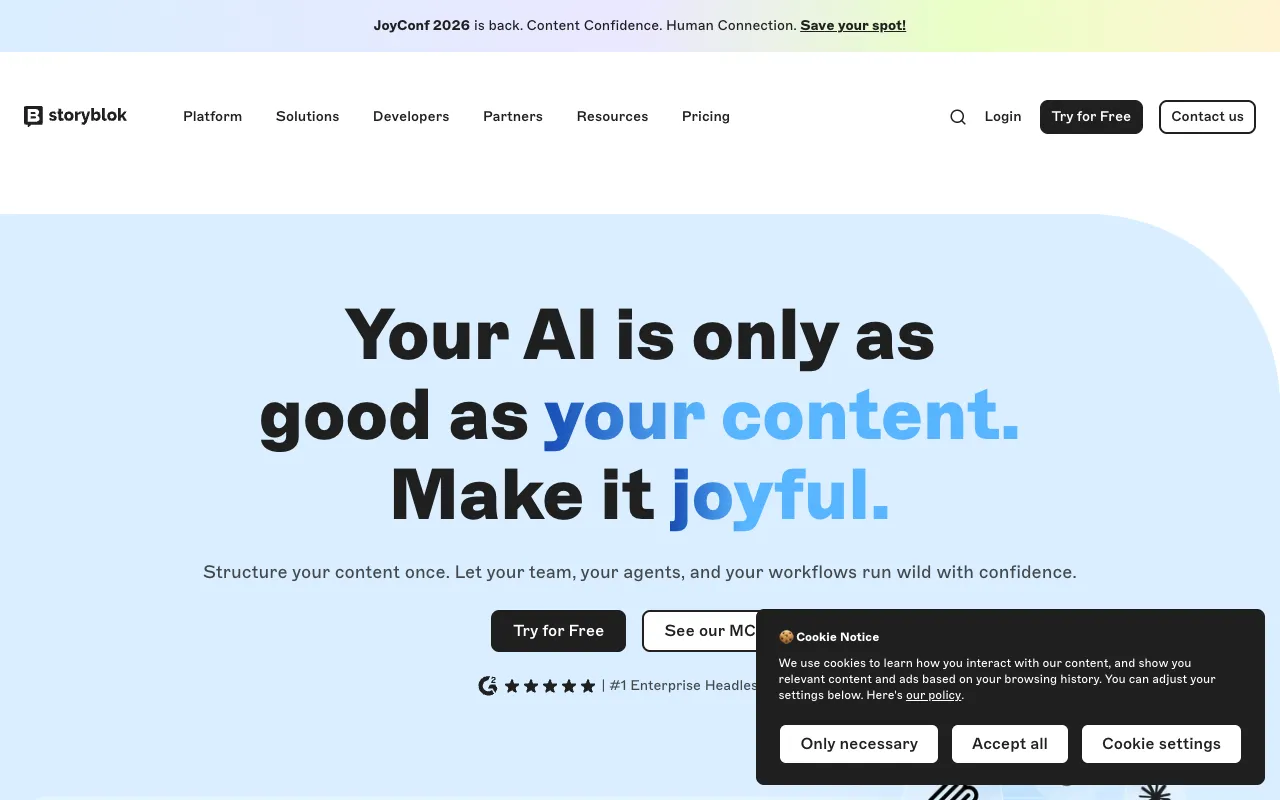
Storyblok’s superpower is its Visual Editor. Content editors can click on any element in the live preview and edit it directly — no developer needed. That’s rare for a headless CMS, where most tools force editors to work with abstract form fields.
It uses a component-based architecture where developers define reusable content blocks, and editors mix and match them to build pages. For eCommerce marketing teams that frequently update content, this is a game-changer — campaign pages go from days to hours.
Under the hood: REST and GraphQL APIs, multi-language out of the box, and a solid app ecosystem. Free tier covers 1,000 content items. Partner plan is $100/mo, Business is $900/mo. Enterprise is custom.
| Feature | Storyblok |
|---|---|
| Pricing | Free → $100/mo → $900/mo → Custom |
| API | REST + GraphQL |
| Self-hosted | No |
| Best for | Content-heavy eCommerce, marketing-driven teams |
| Pros | Best-in-class visual editor, component-based, great editor UX |
| Cons | Pricing scales with seats/content; initial setup needs developer time |
3. Strapi — Open-Source Customization, Self-Hosted
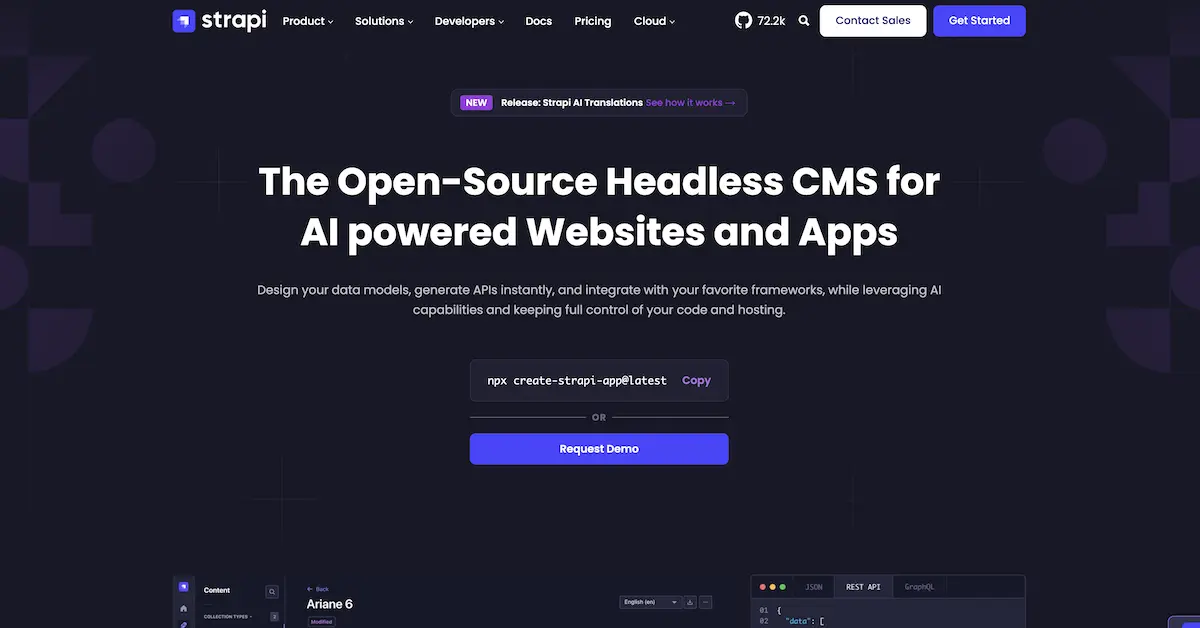 Strapi — Open-source headless CMS
Strapi is the most popular open-source headless CMS written in Node.js. You get the full source code, which means you can customize everything — content types, plugins, authentication, and deployment. It’s the go-to for developer-driven teams that want full control.
For eCommerce, Strapi works well as the content backend for a Next.js or Nuxt storefront. It supports both REST and GraphQL out of the box, and the admin panel lets you create content types and relationships visually.
The community edition is free forever (self-hosted). The cloud version starts at $29/mo (Starter), $99/mo (Pro), with Enterprise pricing custom. The trade-off: you handle deployment, scaling, database maintenance, and version upgrades yourself. Strapi releases frequent major versions, so staying current takes active effort.
| Feature | Strapi |
|---|---|
| Pricing | Free (self-hosted) → $29/mo → $99/mo → Custom |
| API | REST + GraphQL |
| Self-hosted | Yes (community edition) |
| Best for | Dev teams who want full control, custom eCommerce backends |
| Pros | 100% customizable, open-source, strong plugin ecosystem, great docs |
| Cons | You handle hosting/upgrades; frequent breaking changes; performance tuning is DIY |
4. Sanity — Real-Time Structured Content
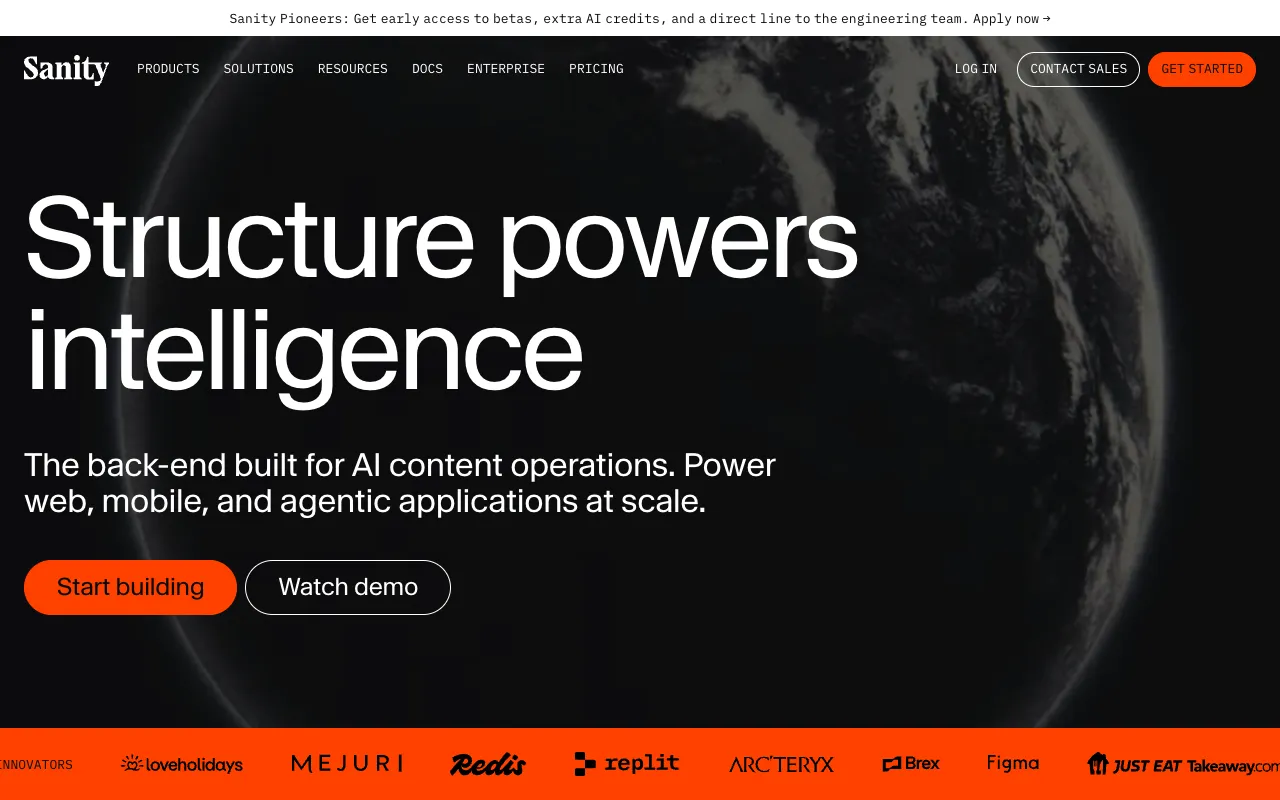
Sanity takes a unique approach — it treats content as structured data, not flat documents. This means you can query, transform, and reuse content in ways traditional CMSs can’t match. It’s built with a real-time backend, so multiple editors can work simultaneously without conflict.
Sanity’s GROQ query language is powerful but has a learning curve. For eCommerce, Sanity’s strengths are: instant preview, image pipeline (transform images on the fly), and deep customization through React-based editor components.
Free tier includes 300K CDN requests and 3 users. Growth is $15/mo, Project is $35/mo. Enterprise starts around $1,000/mo. It’s competitively priced for mid-range projects but can get expensive at scale with CDN-heavy workloads.
| Feature | Sanity |
|---|---|
| Pricing | Free → $15/mo → $35/mo → Custom |
| API | HTTP (GROQ queries), GraphQL |
| Self-hosted | No |
| Best for | Teams that need real-time editing, structured content, custom editor UIs |
| Pros | Real-time collaboration, image pipeline, customizable studio, great developer DX |
| Cons | GROQ has a learning curve; pricing scales with usage; no visual page builder built-in |
5. Hygraph — GraphQL-Native Headless CMS
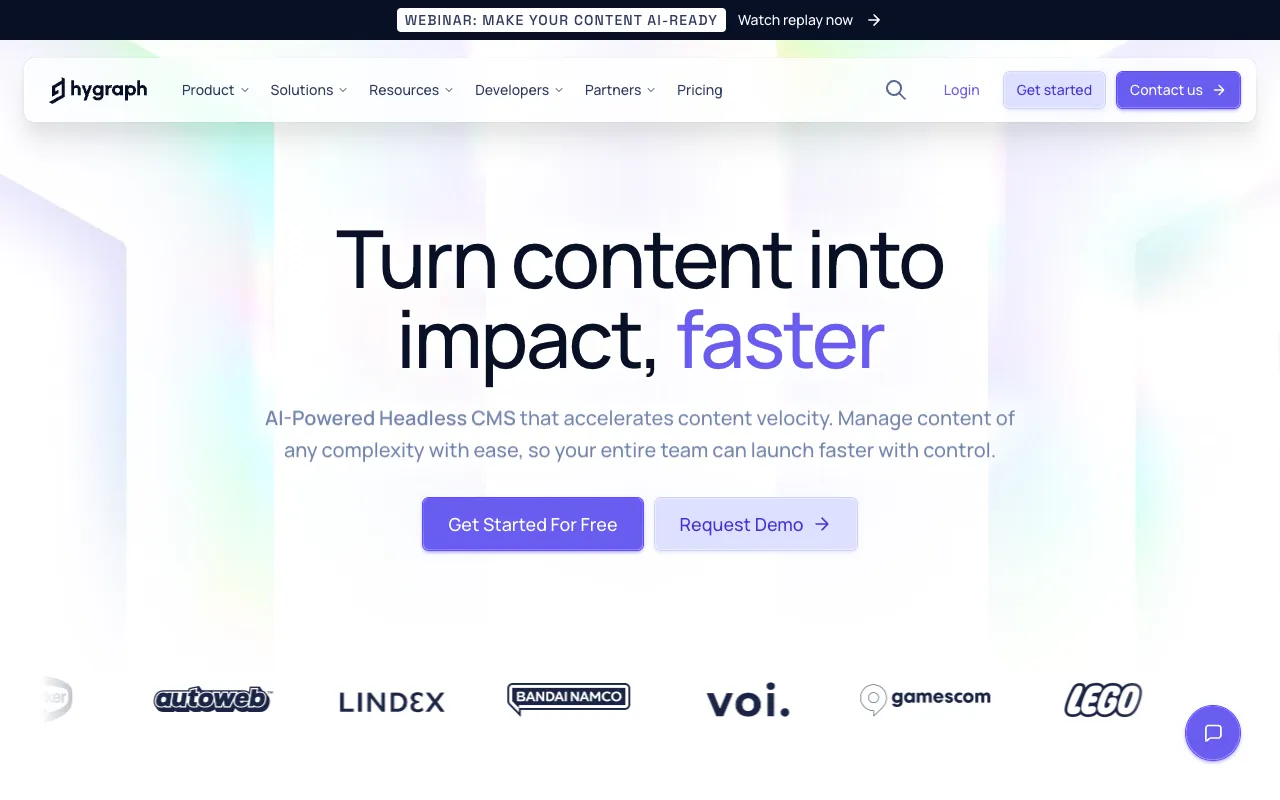
Hygraph (formerly GraphCMS) is built entirely around GraphQL. If your frontend is Next.js, Nuxt, or any modern framework, the developer experience is exceptional — auto-generated schemas, real-time subscriptions, and a single API for content, assets, and relations.
For eCommerce, Hygraph can also function as a lightweight PIM (Product Information Management) system. You can cross-link products with content via remote sources and create rich editorial experiences around your catalog. Campaign setup times drop dramatically — one fashion brand went from 1 week to 1-2 days.
Free tier covers basic projects. Scale plan is $299/mo with custom roles and higher rate limits. Enterprise is custom-priced.
| Feature | Hygraph |
|---|---|
| Pricing | Free → $299/mo → Custom |
| API | GraphQL-native |
| Self-hosted | No |
| Best for | Next.js/Nuxt projects, GraphQL-first teams, content-rich commerce |
| Pros | Best-in-class GraphQL, remote sources for PIM, fast campaign creation |
| Cons | GraphQL-only (no REST), mid-tier pricing is steep for small stores |
6. WordPress (Headless) — Familiar, Huge Ecosystem
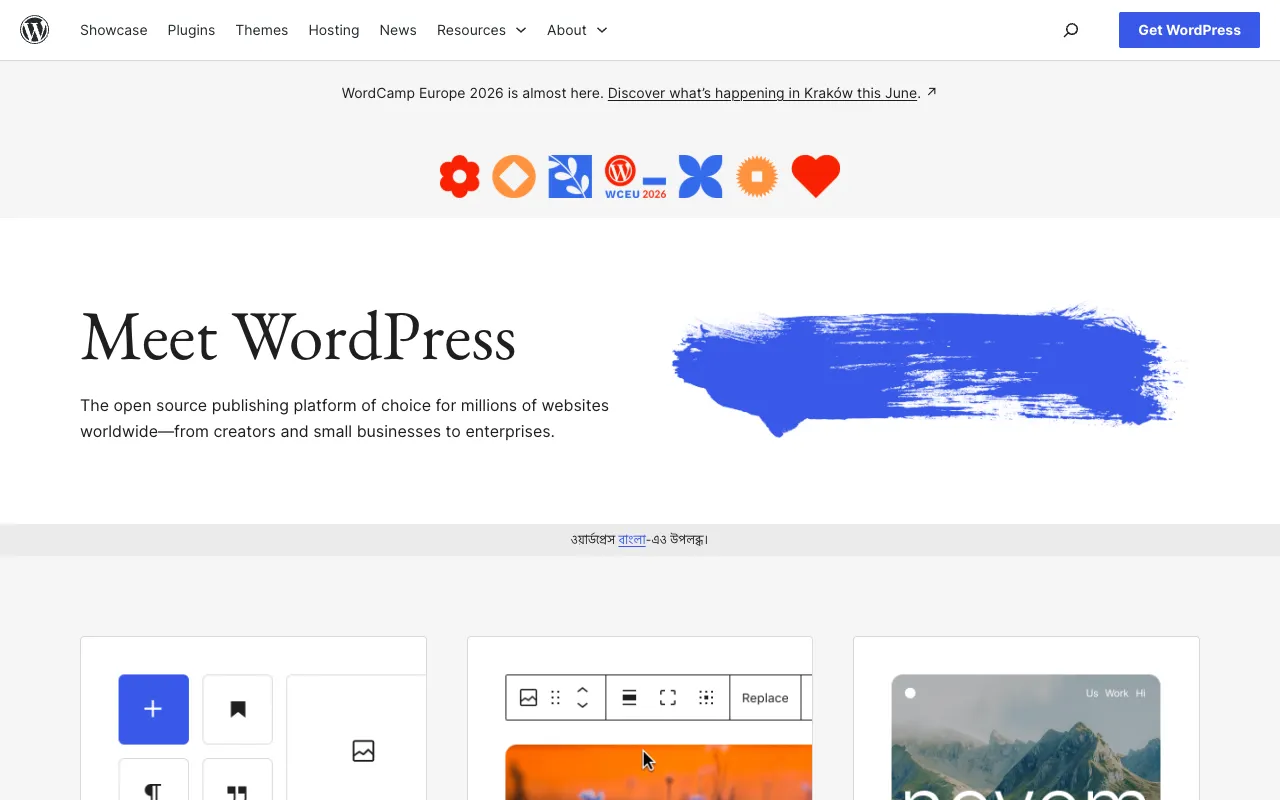
WordPress can work as a headless CMS — it manages content on the backend while you build the frontend with React, Next.js, or any framework. The REST API and WPGraphQL plugin make this possible. And since 43% of the web runs on WordPress, the ecosystem of themes, plugins, and developers is unmatched.
For eCommerce, you can pair headless WordPress with WooCommerce for product management, inventory, and payments. The WordPress admin is familiar to content editors, and plugins like Yoast and RankMath handle SEO.
But here’s the thing — WordPress wasn’t built to be headless. Setting it up takes active plugin management, security maintenance, and careful API configuration. Things that work out of the box in a traditional setup (content preview, image optimization, caching) require extra work. And WooCommerce + headless is a complex stack to maintain long-term.
WordPress itself is free (self-hosted). You pay for hosting ($5-$20/mo VPS), themes, and premium plugins. WordPress.com managed hosting starts at $25/mo.
| Feature | WordPress (Headless) |
|---|---|
| Pricing | $0 (software) + hosting ($5-$25/mo) + plugins |
| API | REST (native) + GraphQL (WPGraphQL) |
| Self-hosted | Yes |
| Best for | Teams familiar with WordPress, content-heavy sites transitioning to headless |
| Pros | Massive ecosystem, familiar editor, cheap to start, huge community |
| Cons | Not built for headless; plugin/security overhead; complex with WooCommerce; performance bottlenecks at scale |
7. Payload CMS — Modern TypeScript Headless CMS
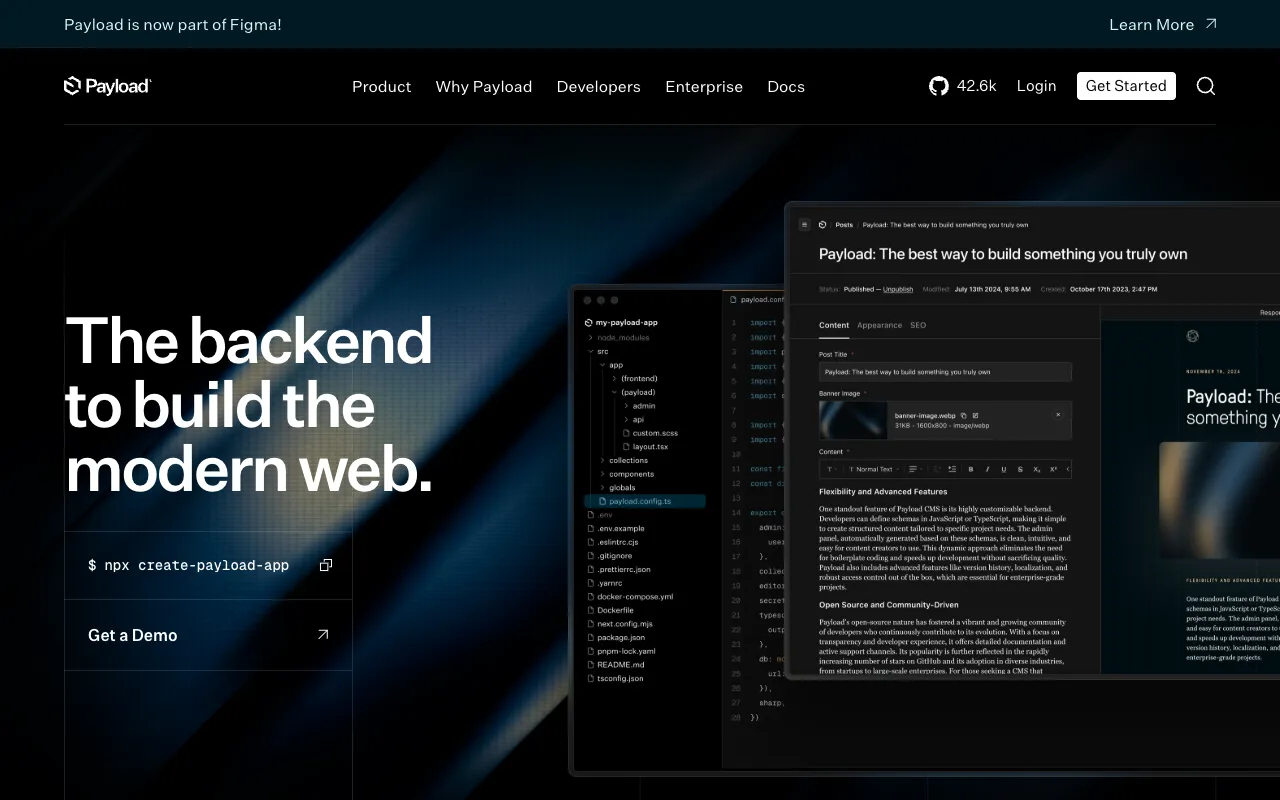
Payload CMS is the new kid on the block — and it’s quickly becoming a favorite among Next.js developers. Written entirely in TypeScript, it’s designed to feel like a natural part of your app rather than an external tool bolted on via API.
You define your content models as TypeScript code. The admin panel generates automatically. Authentication, access control, and localization are built-in. It can run as middleware inside an existing Next.js app (no separate CMS server needed) or as a standalone service.
Payload is open-source and free for self-hosted projects. Cloud hosting is coming with custom pricing. The community is active and growing. The main downside — the ecosystem is younger than Strapi or WordPress, so fewer plugins and third-party integrations. And the Visual Editor is only available in the Enterprise tier.
| Feature | Payload CMS |
|---|---|
| Pricing | Free (self-hosted) → Custom Enterprise |
| API | REST + GraphQL (auto-generated) |
| Self-hosted | Yes |
| Best for | Next.js teams, TypeScript-native projects, custom eCommerce backends |
| Pros | TypeScript-native, runs inside Next.js, auto-generated APIs, great DX |
| Cons | Younger ecosystem; visual editor in enterprise only; self-hosted requires dev ops |
8. Bazaar — Next.js Headless eCommerce Platform (Full Solution)
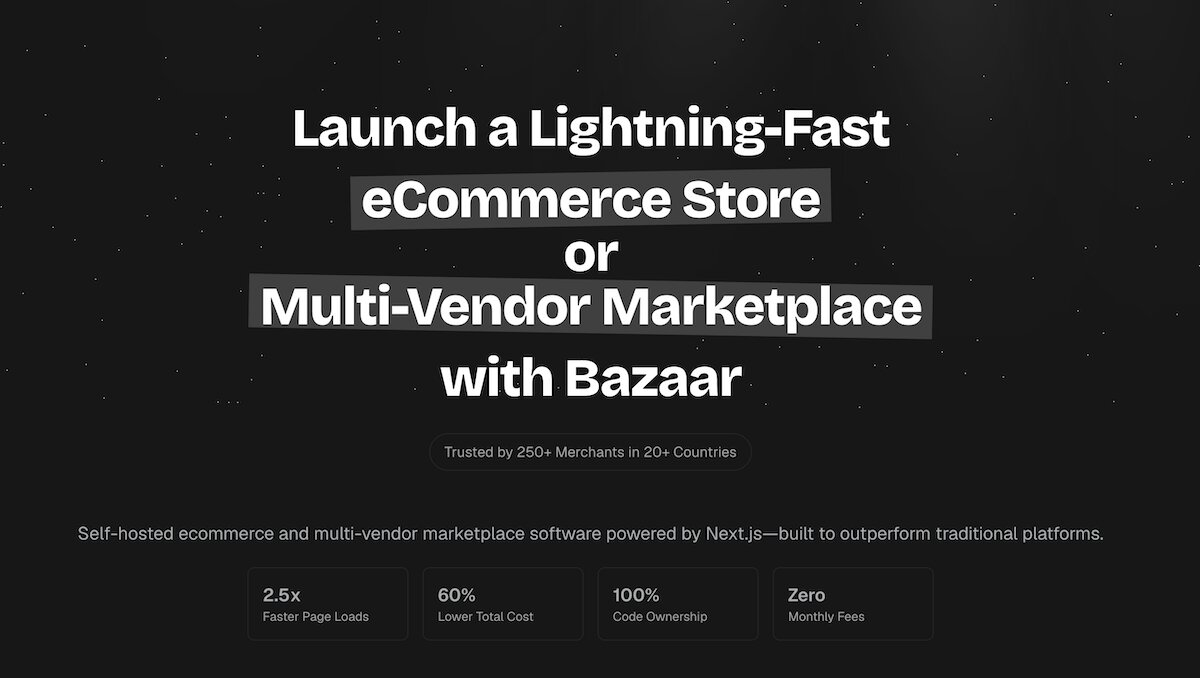
Bazaar is different from the others on this list — it’s not just a headless CMS. It’s a complete Next.js headless eCommerce platform that includes the storefront, admin panel, vendor dashboard, payment processing, and content management — all in one package. One-time payment, full source code included.
Built on Next.js 16 with TypeScript, Bazaar gives you 75+ pre-built pages, 18 homepage variations, admin dashboard with analytics, vendor storefronts with custom branding, and role-based access control. It handles multi-vendor marketplaces, single-storefronts, or any model in between.
Here’s what sets Bazaar apart for eCommerce: the Bazaar team deploys the entire platform within 24 hours of purchase. You provide hosting access ($5/mo VPS or $20/mo Vercel Pro is plenty to start), and they handle the rest. No developer needed for setup. The full source code means your team can extend it, or the Bazaar team can build custom features for you.
Payments: Stripe, PayPal, COD out of the box. Database: Prisma ORM with MongoDB. The tech stack is modern and proven — Next.js App Router, Server Components, Tailwind CSS.
The trade-offs: smaller community than Shopify (but active and growing), no built-in app marketplace (extend via code since you have full source), and the $199 one-time fee may seem higher upfront than Shopify’s $39/mo — but over 5 years, you save roughly $41,000+ versus Shopify Advanced.
| Feature | Bazaar |
|---|---|
| Pricing | $199 one-time (full source code) |
| API | REST API + Next.js Server Components |
| Self-hosted | Yes (team deploys for you in 24h) |
| Best for | Multi-vendor marketplaces, single-storefronts, anyone wanting a ready-to-deploy solution |
| Pros | Deployed in 24 hours, no dev skills needed, one-time payment, full source code, 75+ pages |
| Cons | Smaller community than Shopify; no app marketplace; buyer provides hosting access |
Side-by-Side Comparison Table
| Platform | Starting Price | Self-Hosted? | API | Best For |
|---|---|---|---|---|
| Contentful | $300/mo (Team) | No | REST + GraphQL | Enterprise teams, global scale |
| Storyblok | $100/mo | No | REST + GraphQL | Marketing-heavy eCommerce |
| Strapi | Free (self-hosted) | Yes | REST + GraphQL | Custom dev projects |
| Sanity | $15/mo | No | GROQ + GraphQL | Real-time editing, custom studios |
| Hygraph | $299/mo | No | GraphQL | Next.js/Nuxt, GraphQL-first |
| WordPress | $5-$25/mo (hosting) | Yes | REST + GraphQL | Familiar ecosystem, budget-friendly |
| Payload CMS | Free (self-hosted) | Yes | REST + GraphQL | TypeScript-native, Next.js devs |
| Bazaar | $199 one-time | Yes (24h deploy) | REST + Server Components | Complete eCommerce platform |
How to Choose: Decision Framework
Here’s how to pick the right platform for your situation:
- You’re a solo founder with a Next.js project: Start with Payload CMS (free, self-hosted) or Bazaar ($199, deployed in 24 hours). Both are TypeScript-native and integrate naturally with Next.js.
- You run a marketing-driven brand: Storyblok’s visual editor gives your team independence from developers. Worth the $100-$900/mo.
- You need enterprise governance: Contentful or Hygraph. Both handle multi-language, multi-region, and complex access control. Budget $300-$1,000+/mo.
- You want maximum control with minimal cost: Strapi or WordPress (headless). Free software, self-hosted. You manage ops, but you own everything.
- You want a complete eCommerce solution, not just a CMS: Bazaar. $199 one-time, deployed within 24 hours, includes storefront + admin + payments + vendor management. Full source code means nothing’s locked in.
Final Thoughts
The “best” headless CMS for eCommerce depends on your team, budget, and technical requirements. SaaS options like Contentful and Hygraph are polished but can get expensive. Open-source choices like Strapi and Payload give you control at the cost of operational overhead. And full platforms like Bazaar eliminate the integration work entirely with a one-time price.
Whichever route you take, make sure the platform supports your tech stack, scales with your traffic, and doesn’t lock you into monthly fees that eat your margins. The right choice now will save you months of migration headaches later.
For a deeper look at Next.js eCommerce costs, check out our guide on Next.js eCommerce cost-effectiveness. And for a feature breakdown of Bazaar’s multi-vendor capabilities, visit the Bazaar features page.